
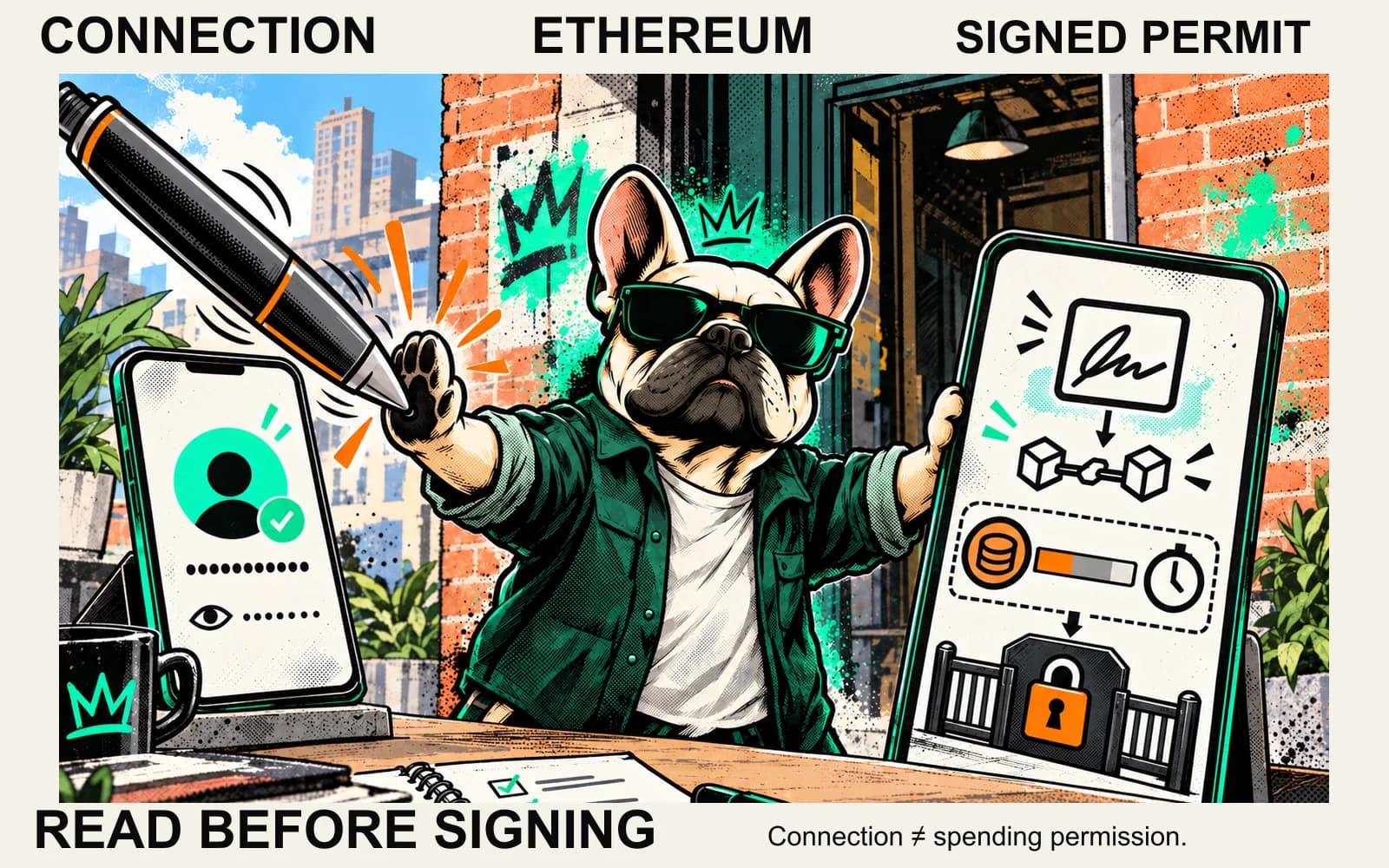
A MetaMask signature request can look like a sign-in screen while authorizing something quite different. Both screens can say "Sign", so read the data underneath before agreeing.
This guide covers Ethereum and compatible EVM permission mechanisms. Wallet versions and applications present them differently; it is not a promise that every flow has three neat popups. If the wallet itself is confusing, read what a crypto wallet manages.
Compare the request, not the button
| Request | What it can authorize | Where to read the rules |
|---|---|---|
| Basic account connection | Sharing your selected address with the site | MetaMask connection |
| Sign-in message | An offchain authentication session | Sign-In with Ethereum |
| ERC-20 approval | A spender's allowance for a token | ERC-20 |
| Signed permit | Allowance creation or a transfer, under the particular protocol | ERC-2612, Permit2 |
| Account authorization | Delegation to account code, or specific smart-account permissions | EIP-7702, MetaMask advanced permissions |
The scopes differ, and you will not necessarily see them in this order. Rejecting a later request does not automatically remove an earlier permission.
Connecting exposes an address, not a spending allowance
In MetaMask's basic connection flow, a site gets your account address and can inspect public blockchain balances. That connection alone does not give it an ERC-20 spending allowance.
Sharing an address still has a privacy consequence: a site can associate your visit with that public account. Disconnecting does not erase the site's knowledge or blockchain history. Also, a site's "Connect" button may lead into a separate permission request. Read each wallet screen rather than treating the website's label as the scope.
Signing can authenticate you or authorize an action
MetaMask's signing documentation distinguishes personal_sign, commonly used for authentication, from eth_signTypedData_v4, which displays structured data that can be verified onchain. Neither method name is a verdict that the request is harmless.
A proper Sign-In with Ethereum message identifies the requesting domain, account, URI, chain ID and nonce, with optional time limits. Its job is authentication. Check the domain against the site you intended to use and read the statement. A claim of "login" beside a spending permit does not turn that permit into a login.
Typed data can contain a token, spender, amount and deadline. A neat layout makes these fields easier to read; it does not establish that the contract or requested action is trustworthy. Never approve unreadable data just because there is no immediate balance change. MetaMask documents signature phishing in which an attacker obtains a signature and uses it later.
An approval creates permission; a transfer uses it
In the conventional ERC-20 model, approve(spender, amount) sets how much a spender may take. A later transferFrom uses that authorization. Approving does not itself mean the intended purchase or swap completed.
Read the network, token contract, spender and amount together. A familiar token symbol or app name cannot replace a contract address. For the ongoing-allowance mechanism and its review checklist, use token approvals explained.
Why a gasless signature can still authorize spending
Signing data offchain does not by itself submit an onchain transaction. A protocol can nevertheless accept that signature in a later transaction, possibly sent by somebody else. "No gas fee shown" describes the signing step, not a guarantee about its effects.
ERC-2612: a signed allowance
For a token implementing ERC-2612, a valid permit can set an allowance when submitted onchain. The signed data includes owner, spender, value, nonce and deadline, with a domain tying the signature to its context. Anyone can submit the valid permit; the signer need not be the submitter.
The deadline limits when the permit can be accepted. It does not automatically expire the allowance created by that acceptance. Token-specific variants can behave differently, so check the actual implementation rather than assuming every field called "expiry" has the same meaning.
Permit2: two different spending paths
Uniswap's Permit2 documentation describes an initial ERC-20 approval to the Permit2 contract, then two modules. SignatureTransfer supports a single, nonce-scoped transfer; AllowanceTransfer stores a spender's allowance with an amount and expiration. The latter also has a signature deadline, which is distinct from allowance expiration.
The one-time transfer permission does not persist after use, but the underlying token approval to Permit2 is a separate record. Read which module is involved, the token and amount, the authorized spender where applicable, and the timing. "Permit2" is a mechanism name, not an automatic safety badge.
Account delegation is broader than token approval
EIP-7702 lets an account authorize delegation to code at a specified address. That delegation persists; it is not simply one token's allowance. Its security depends on the delegated implementation. The specification also notes that processed delegations are not rolled back merely because subsequent transaction execution fails.
At a different layer, MetaMask's advanced permissions use smart-account capabilities in supported apps. Requests can specify spending, timing and other limits, and some flows show permissions before basic connection. Do not assume this feature exists in every wallet or that every request has the same safeguards. Check what access is proposed and how that particular permission can end.
A practical pause before signing
- Confirm the site through an independently checked route. Do not use a rescue link from an unsolicited message.
- Identify the request: account access, authentication, spending, transaction or account delegation.
- Check the actual network and contracts. For sign-in, check the domain and URI; for spending, inspect asset, recipient or spender, and amount.
- Read nonce and time fields where present. A submission deadline and a spending-permission expiration can be different conditions.
- Compare the action with what you intended. If you cannot explain what the request permits, reject it and consult the wallet or protocol's official documentation.
Keep your seed phrase and private key out of every site form, support chat and permission checker. This guide asks you to read permissions, not connect a wallet or test a transaction with real funds.
Does disconnecting revoke permission?
No. MetaMask distinguishes disconnection from allowance revocation. For a conventional ERC-20 allowance, revocation changes a token-contract record through an onchain transaction and costs a network fee. Verify the resulting allowance; submitting a transaction is not confirmation.
Signed permits, Permit2 permissions and delegated accounts need their own checks. An empty ERC-20 approval list does not prove that every authorization is closed. Revocation does not recover an already completed transfer or repair an exposed private key.
Before agreeing to a MetaMask signature request, check who may do what, with which asset or account, under which limits. You need the request's details to answer that.
Sources
Primary documentation read 5 October 2026. Provider interfaces can change; this is a mechanism comparison, not a live wallet test or endorsement.
- MetaMask: Why connect to a dapp? — basic account-access scope.
- MetaMask: Sign data — signing methods and structured data.
- ERC-4361: Sign-In with Ethereum — authentication message and context fields.
- ERC-20: Token Standard — allowance versus transfer.
- ERC-2612: Permit Extension — signed allowance, submission deadline and variants.
- Uniswap: Permit2 overview — modules, initial token approval and expiration rules.
- EIP-7702: Set Code for EOAs — persistent account delegation and execution-failure boundary.
- MetaMask: Understanding advanced permissions — supported smart-account permission flows.
- MetaMask: Revoke allowances/token approvals — disconnect/revoke distinction and onchain fees.
- MetaMask: Signature phishing — why a collected signature can have later effects.
See something wrong? Brokzi logs material changes. Prepare a correction note.