Your recovery words are accepted, but the Bitcoin wallet shows zero. That tells you what the app found in the wallet it opened. It leaves three things to check: the passphrase, the account and the address path.
Why can valid recovery words open a different wallet?
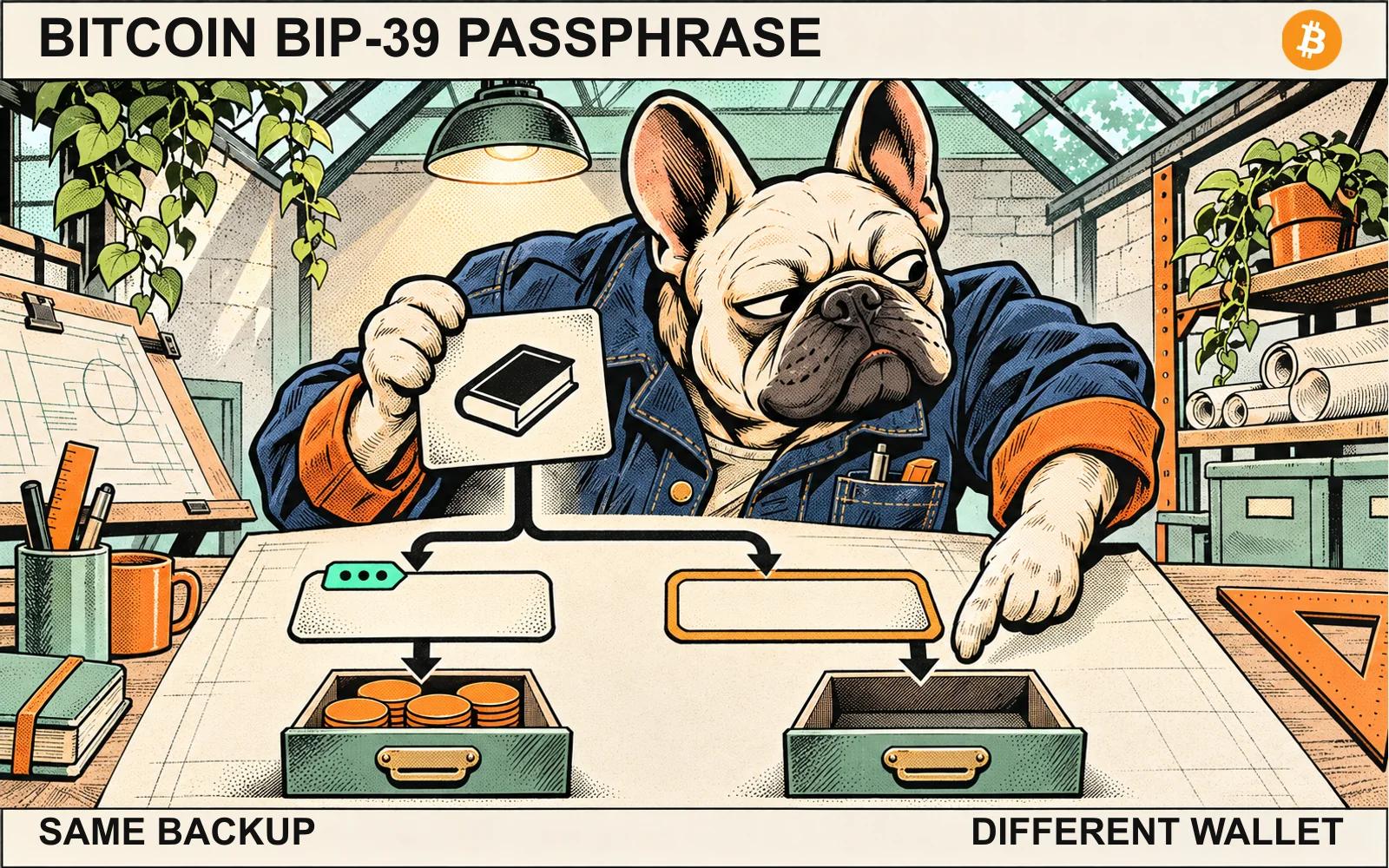
BIP-39 combines the recovery words with an optional passphrase to produce a seed. Omitting the passphrase uses an empty string. Any passphrase produces a seed, so the standard gives the app no way to tell whether you meant that passphrase. Opening a different wallet changes the keys the app derives. Your bitcoin stays where it was.
This applies to self-custody wallets that use BIP-39 and support its passphrase feature. Trezor's troubleshooting guide describes how a typo can open another wallet in Trezor Suite. A local password or device PIN is a separate setting. Check which backup format your original wallet used before drawing conclusions. Our guide to recovery words and private keys explains the distinction.
Which setting changed?
Imagine a single-signature Bitcoin wallet. Its old records identify account 0, native SegWit and a receive address labeled DEMO-RECEIVE-A. The label stands in for a full address. Each row changes one setting and keeps the others fixed.
| What changed | What the wallet is looking at |
|---|---|
| Passphrase omitted | The same recovery words give a different seed because the original wallet used a nonempty passphrase. |
| Account 1 instead of account 0 | The seed is the same. The app is looking at a different account branch. |
| Legacy address path instead of native SegWit | The seed and account number are the same. The app is looking at a different derivation branch and address type. |
The account number is one part of a derivation path. BIP-44 defines the account, receive/change branch and address index in its path structure. BIP-84 uses that structure with a different purpose for native SegWit addresses. App labels and account discovery can vary.
What can an offline address comparison tell you?
If your trusted wallet or hardware device can display a receive address offline, compare it with a full receive address you recorded before the restore. Use the same network, account, address type and receive index. In the example, the same position should reproduce the address labeled DEMO-RECEIVE-A. A mismatch means you haven't reproduced that address yet. The mismatch alone won't tell you which setting differs.
A match confirms that one address. It says nothing about the current balance or whether the app has found your other addresses. If the address matches and the wallet still looks empty, check the app's network and sync status. Keep recovery words and passphrases private throughout.
Sources
See something wrong? Brokzi logs material changes. Prepare a correction note.