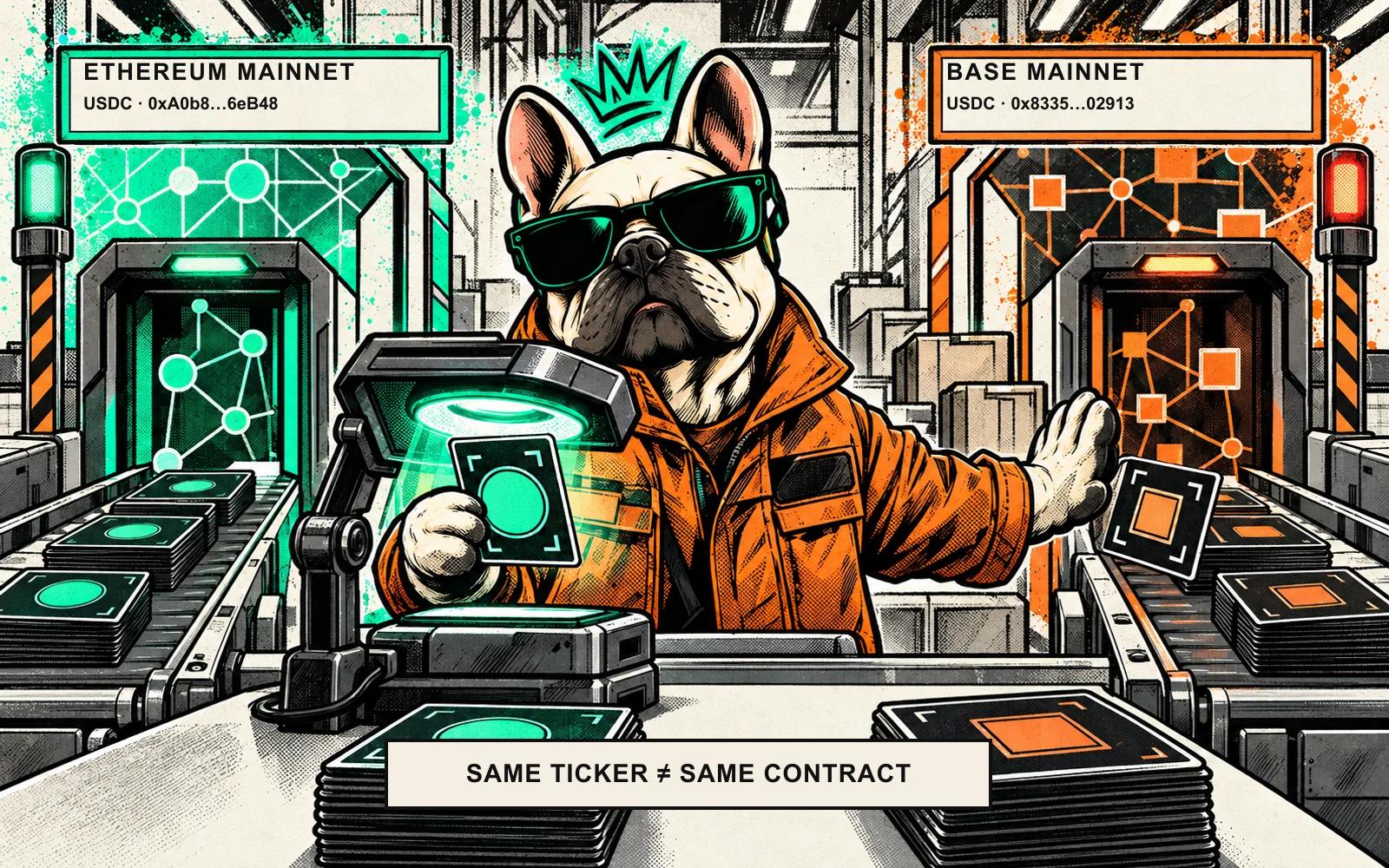
Two token contracts can both display USDC. The label alone does not tell you which network deployment your wallet is using or whether a recipient expects that exact token.
For a token, check three things together: the asset, the network, and the full contract address on that network. Then check that the destination accepts that asset over that network. If you are sending a network's native coin, there is no ERC-20 contract address to compare, but the network still matters.
Symbol, contract and network: three different clues
A symbol is a short display label such as USDC or WETH. Wallets and explorers often show it beside a balance. But the ERC-20 standard makes name, symbol and decimals optional metadata fields. A symbol is therefore not a globally unique identifier, nor does the label alone prove who issued a token.
A contract address identifies a token contract within a particular blockchain state. On Ethereum Virtual Machine (EVM) networks, it is commonly written as a 0x hexadecimal address. The same-looking address format can appear on more than one network, so the address without its network is incomplete context.
A network tells you which chain's ledger you are reading or using. Ethereum Mainnet and Base, for example, are separate networks. A wallet's selected network and the destination's supported network both matter. Ethereum's eth_chainId method reports the chain ID of the connected execution client; it helps identify the current network context, but it does not tell you whether a receiving service supports a deposit.
A real example: USDC on Ethereum and Base
Circle lists separate USDC contract addresses for Ethereum and Base. In its current mainnet directory, they are:
| Network | Circle-listed USDC contract |
|---|---|
| Ethereum | 0xA0b86991c6218b36c1d19D4a2e9Eb0cE3606eB48 |
| Base | 0x833589fCD6eDb6E08f4c7C32D4f71b54bdA02913 |
Both may be displayed as USDC. The network and contract together distinguish these chain-specific deployments, not whether they are economically unrelated. These are Circle's documented addresses checked on 13 October 2026; use Circle's live directory or the issuer's official documentation when you need a current address. A different token can also reuse the USDC ticker, so the label alone does not establish Circle issued it or that a destination accepts it.
Check before you send
- Start at the destination. If you are sending to an exchange, open that exact product's deposit instructions while signed in. Select the asset and read the networks it currently accepts. If you are sending to a person, ask which network and token they can receive; a wallet address alone may not tell you.
- Match the network at both ends. Confirm the sending wallet is on the intended network and the receiver explicitly supports that same network for this asset. Support can differ by asset, product, account and region, and can change. Coinbase's consumer help and Coinbase Global Exchange documentation list supported networks for their respective services; one list is not a promise about another Coinbase product or any other exchange.
- Verify the token's full contract on that network. Prefer the issuer's official token-address page. Open the relevant explorer from that official documentation, confirm you are on the matching network, and compare the complete address, not just the first few characters or ticker.
- Read the transfer details once more. Check asset, network, destination address and amount before signing. A small test transfer may reduce the amount at risk, but it still costs fees and does not prove every later deposit will be credited.
For a basic ERC-20 transfer, an explorer such as Etherscan can show a contract page and token-transfer activity associated with an address. Treat its token name, symbol or logo as clues, not proof of legitimacy. A verified source-code badge is also not a guarantee that a contract is safe, that an issuer backs it, or that a destination will credit it. Never connect your wallet or disclose a recovery phrase just to look up an address.
What if the asset is the network's native coin?
ETH on Ethereum Mainnet is the native asset of that network; it is not an ERC-20 token deployed at a token contract. The same distinction applies to other networks' native coins. So a search for a native coin's ERC-20 contract is the wrong check. Confirm the network and the receiving service's instructions instead.
Wrapped or bridged versions are different: they are token contracts that represent an asset under a particular protocol or bridge arrangement. A ticker such as WETH may be familiar, but the exact contract and network still matter. Do not assume a wrapped token, a bridged representation and a native coin are interchangeable just because their names are related.
If the network or token does not match
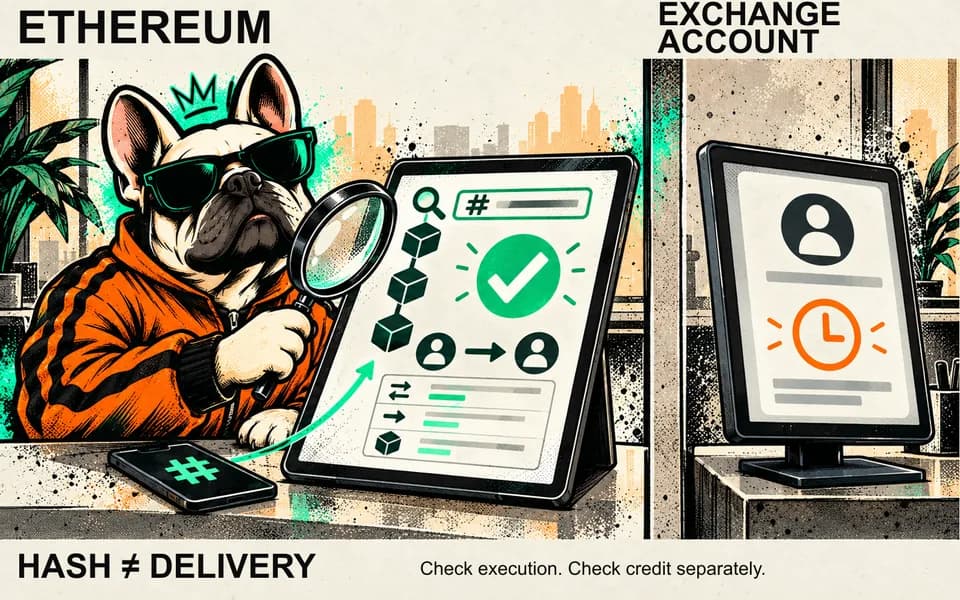
Pause before sending. If a transaction is already submitted, check its status using the transaction link and the explorer for the actual sending network. A confirmed transfer to an address does not by itself mean a custodial exchange has credited the deposit. MetaMask's troubleshooting guide notes that a successful explorer record can exist even when a wallet does not display the token. Contact a receiving platform only through its official support route and provide the transaction details it requests.
Recovery is not universal. It depends on the destination, custody setup, network and asset, and a platform may be unable to recover or credit a mismatched deposit. Wallet guidance is not a guarantee for exchange deposits or every wallet. Ignore unsolicited recovery offers; legitimate support should never need your recovery phrase.
Quick checklist
- Is this the exact asset the destination expects?
- Is the wallet set to the same network the recipient supports?
- Does the full contract match the issuer's official address for that network?
- Is this actually a native coin, rather than a token contract?
- Have I checked the destination address and amount before signing?
If one answer is unclear, stop and verify it through the destination's official instructions before sending. Use the network and full contract address to identify the token before choosing a sending route.
Sources
See something wrong? Brokzi logs material changes. Prepare a correction note.