An unfamiliar token appears beside the assets you recognise. Its name suggests a reward, and the displayed balance looks tempting. You do not have to sell, claim or remove it to find out what happened.
This guide is for self-custody wallet users seeing unexpected tokens on an Ethereum-compatible network. The inspection workflow is read-only. The hiding example uses MetaMask's documented controls; other wallets, networks and versions can behave differently. Nothing here certifies a token or tests a real account.
Receiving a token is different from approving one
An airdrop is a distribution to wallet addresses. Some are legitimate, while others try to draw a recipient into a later action. MetaMask's airdrop guidance distinguishes the unsolicited deposit from the phishing that follows.
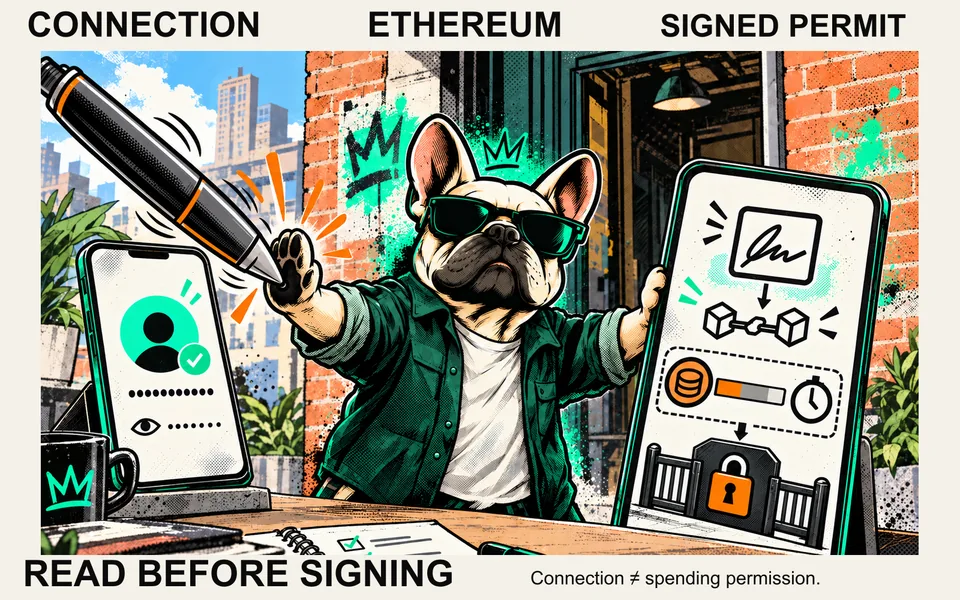
For conventional ERC-20 tokens, transfer and approval are separate interfaces. A received token entry does not, by itself, demonstrate that you granted a spender access to your other tokens. It also does not prove the entire account is uncompromised: existing permissions, previous signatures and exposed keys remain separate questions.
Start by identifying the entry. Do not let the entry tell you which website to trust.
Inspect it without signing
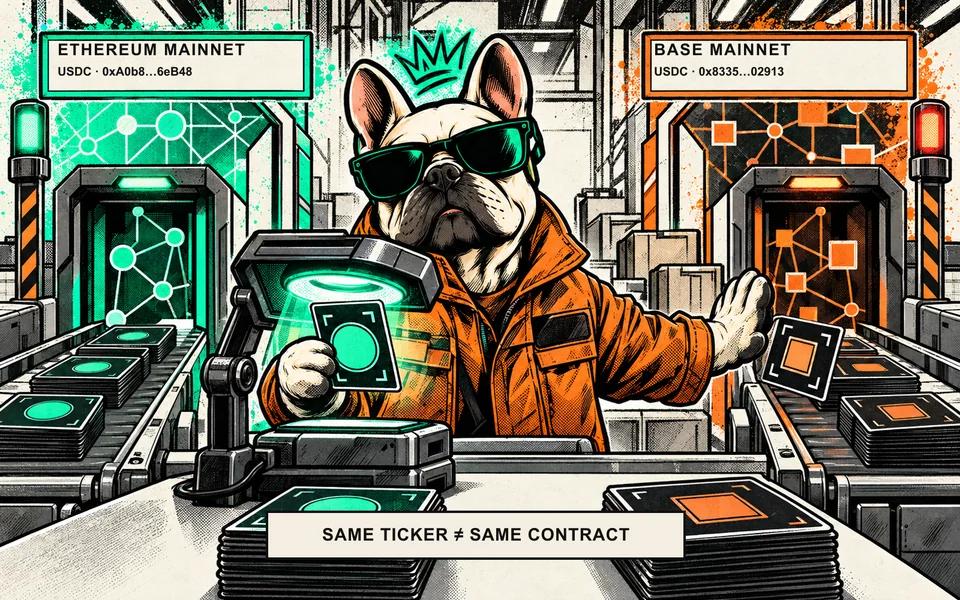
Record the selected network and the token's full contract address. A familiar ticker or logo can be copied. Use the network-and-contract check rather than searching by name alone.
Open an explorer through a route you independently trust, such as the network's official documentation. Confirm it is for the correct network and inspect the exact contract and the relevant transfer record. Looking up public information does not require a recovery phrase or a token approval. A warning label can be useful, but absence of a warning is not a certificate of safety.
If the entry claims to belong to a known project, compare its contract with the issuer's official documentation reached independently. A website printed inside the token's name or description is part of the untrusted claim, not independent corroboration. If you cannot establish the identity, leave it unresolved rather than signing something to "verify" it.
Follow the bait through one fictional example
Suppose a previously unknown token appears with a name that suggests a reward. An attempted swap returns a message saying you must visit a separate site to unlock it. That site then asks for an approval or recovery phrase.
This is a teaching scenario, not a real token, address or website. MetaMask documents failed-transaction scams in which a token's restrictions and error message steer people to a fraudulent site. An error can contain attacker-supplied instructions. Seeing the text on an explorer does not make those instructions the explorer's recommendation.
There is no reason to retry until the token cooperates. A failed transaction is not a request to grant broader access, and a displayed valuation is not proof that you can sell the balance. Do not follow the token's instructions to unlock, stake, claim, burn or cash out an asset you have not independently identified.
Hide, revoke and transfer do different things
| Action | What changes | What it does not establish |
|---|---|---|
| Inspect a public explorer record | Your understanding of the displayed entry | Permission for a site to spend tokens |
| Hide the token in the wallet | Whether that app shows the entry | A change to the token's onchain balance or allowance |
| Revoke a conventional ERC-20 allowance | A specific owner's permission for a specific spender, if the change succeeds | Removal of every signature or account permission |
| Transfer or burn a token | A contract interaction, if successfully executed | That interacting with an unknown contract is safe |
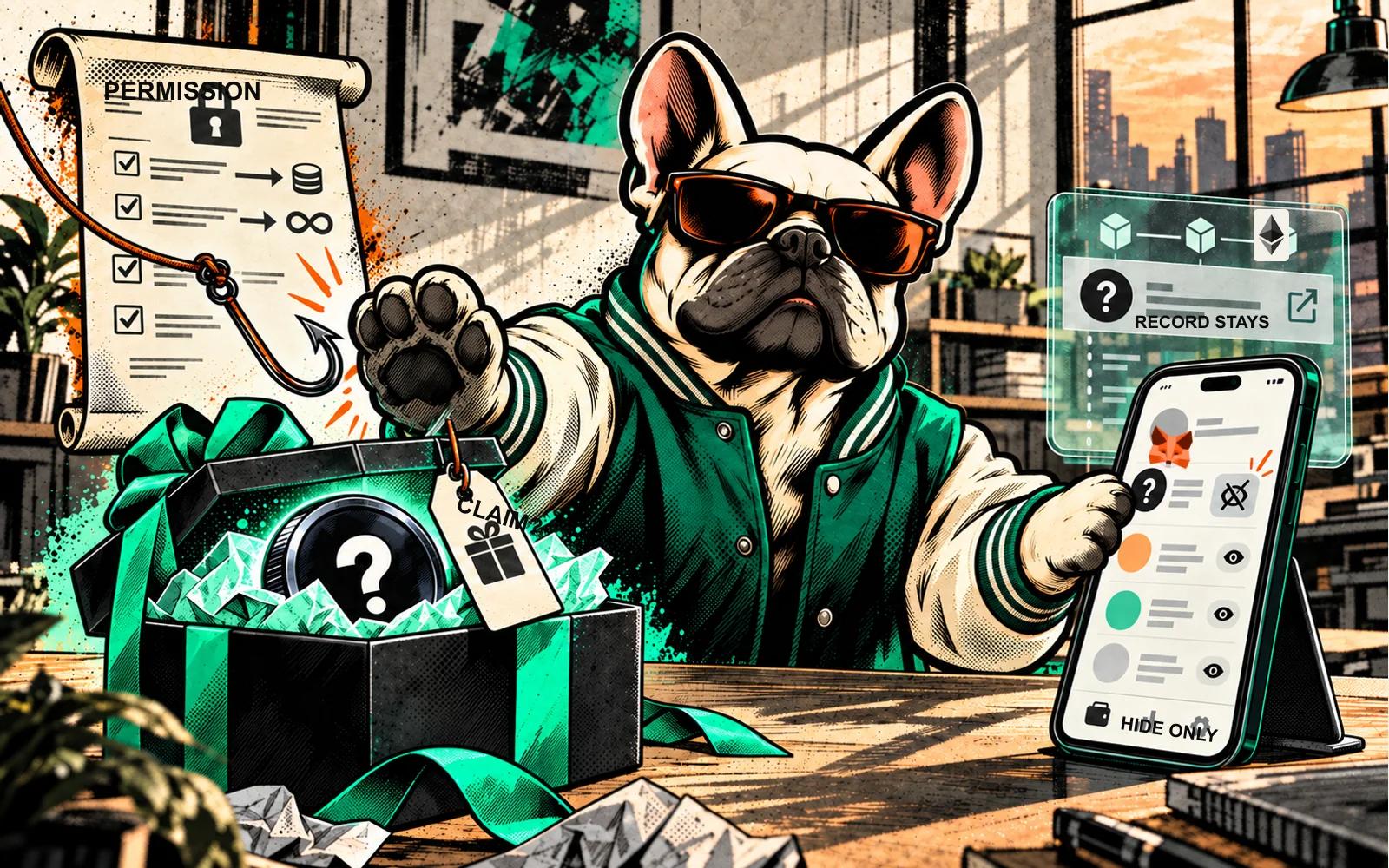
MetaMask's remove-token documentation explicitly says hiding does not change the onchain balance or token allowances. It is a display choice, not a transaction that cleans the account.
You do not need to burn an unfamiliar token to tidy the asset list. Sending it elsewhere means interacting with its contract. Hiding or leaving the entry alone avoids treating a token's demand for action as an instruction you must obey.
The MetaMask display-only option
The current MetaMask display guide documents these routes:
- In the Extension, open the wallet's own token-management controls and toggle the entry off, or use the token entry's menu and choose Hide.
- In Mobile, press and hold the token entry to find the hide option.
Use controls inside the wallet app you already verified. Do not follow a token-provided link to a "removal" service. MetaMask's docs say the native network gas token cannot be hidden this way. Menus and availability differ by app and version; consult that provider's documentation if yours does not match.
A request to sign an approval or pay a removal service is not the documented display-only hide action. Stop and inspect the request rather than treating it as a compulsory part of cleaning up the list.
If you have already interacted
Write down what you actually did: viewed a page, connected a wallet, signed a message, approved a spender or submitted a transaction. These are different permission events, not interchangeable evidence of a drain.
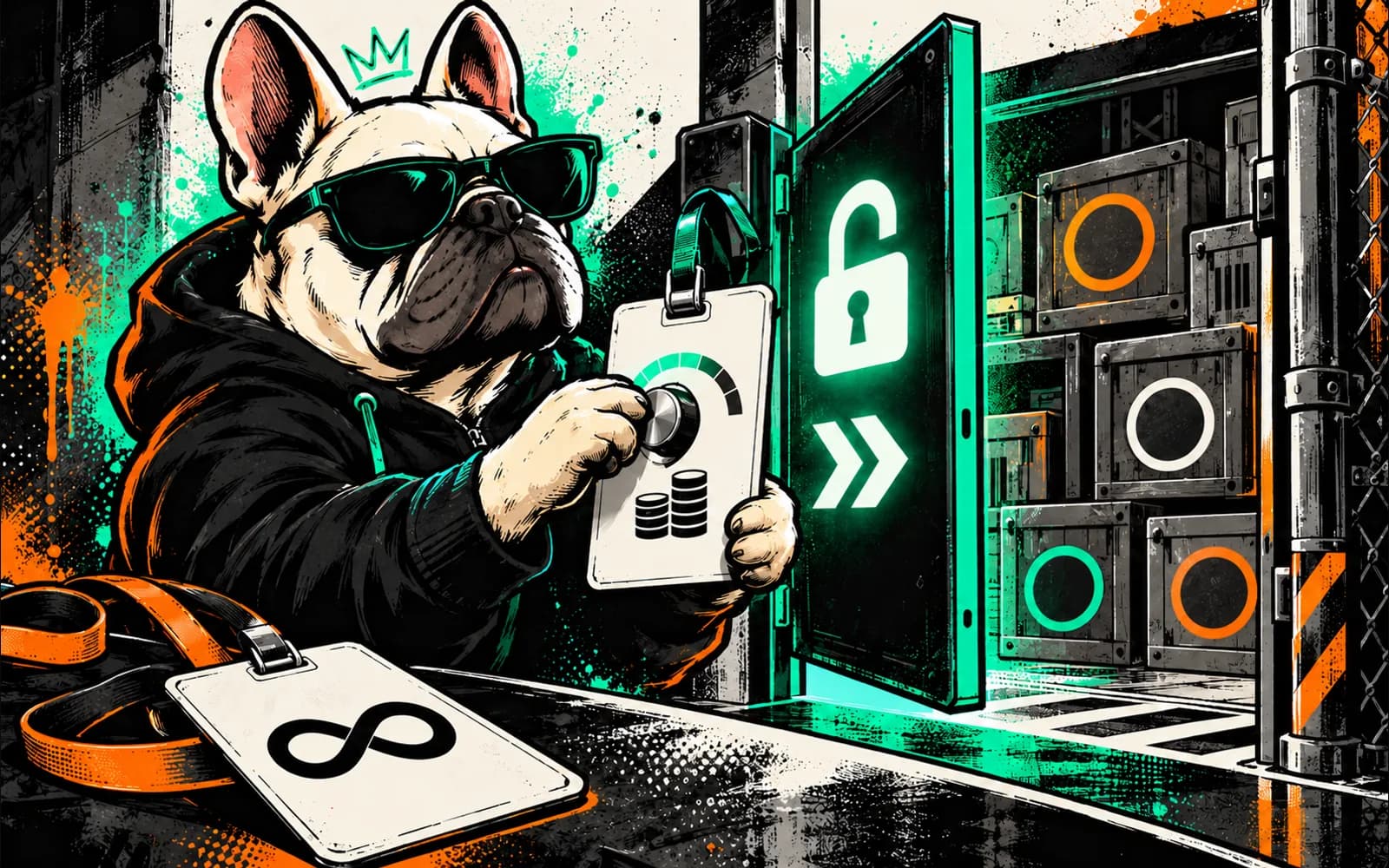
If you approved a conventional ERC-20 allowance, check the exact owner, token, spender and network. Disconnecting the website or hiding the token does not replace that check. Revocation can require a transaction and a fee, and a failed or unclear state read is unknown rather than proof of zero access.
If you disclosed recovery words or a private key, hiding a token cannot repair the exposure. Use the wallet provider's official incident guidance reached independently. Avoid anyone who contacts you unsolicited to recover funds or asks for those secrets. This guide does not attempt a personalised recovery procedure or promise that assets can be recovered.
Questions readers ask
Are all unexpected tokens scams?
No. Unsolicited distributions can have legitimate uses, but the fact that an entry arrived does not authenticate its issuer or its instructions. Establish the exact contract and network independently. If a token asks you to visit a site, sign, pay or disclose secrets to unlock it, stop rather than following the request.
Does hiding a token remove its approvals?
No. MetaMask documents hiding as a change to the asset list. It leaves onchain balances and token allowances unchanged. If you previously authorised a spender, inspect that separate permission for the exact token and network. Hiding the unfamiliar entry neither revokes access nor proves that no access was granted.
A useful stopping point
For unexpected tokens, an unresolved identity is a reason to pause. Record the network and contract, inspect public evidence through an independently trusted route, and use display-only hiding if you want less clutter. A clean-looking wallet screen is not evidence that every permission has been removed.
Sources
- MetaMask: Regular airdrops and phishing scams — deposit versus later phishing, checked 13 October 2026.
- MetaMask: Failed transaction scams — malicious token/error-message workflow, checked 13 October 2026.
- MetaMask: Remove a token — display and allowance distinction, checked 13 October 2026.
- MetaMask: Display tokens — provider-specific hide controls, checked 13 October 2026.
- ERC-20: Token Standard — transfer, approval and allowance interfaces, checked 13 October 2026.
See something wrong? Brokzi logs material changes. Prepare a correction note.